


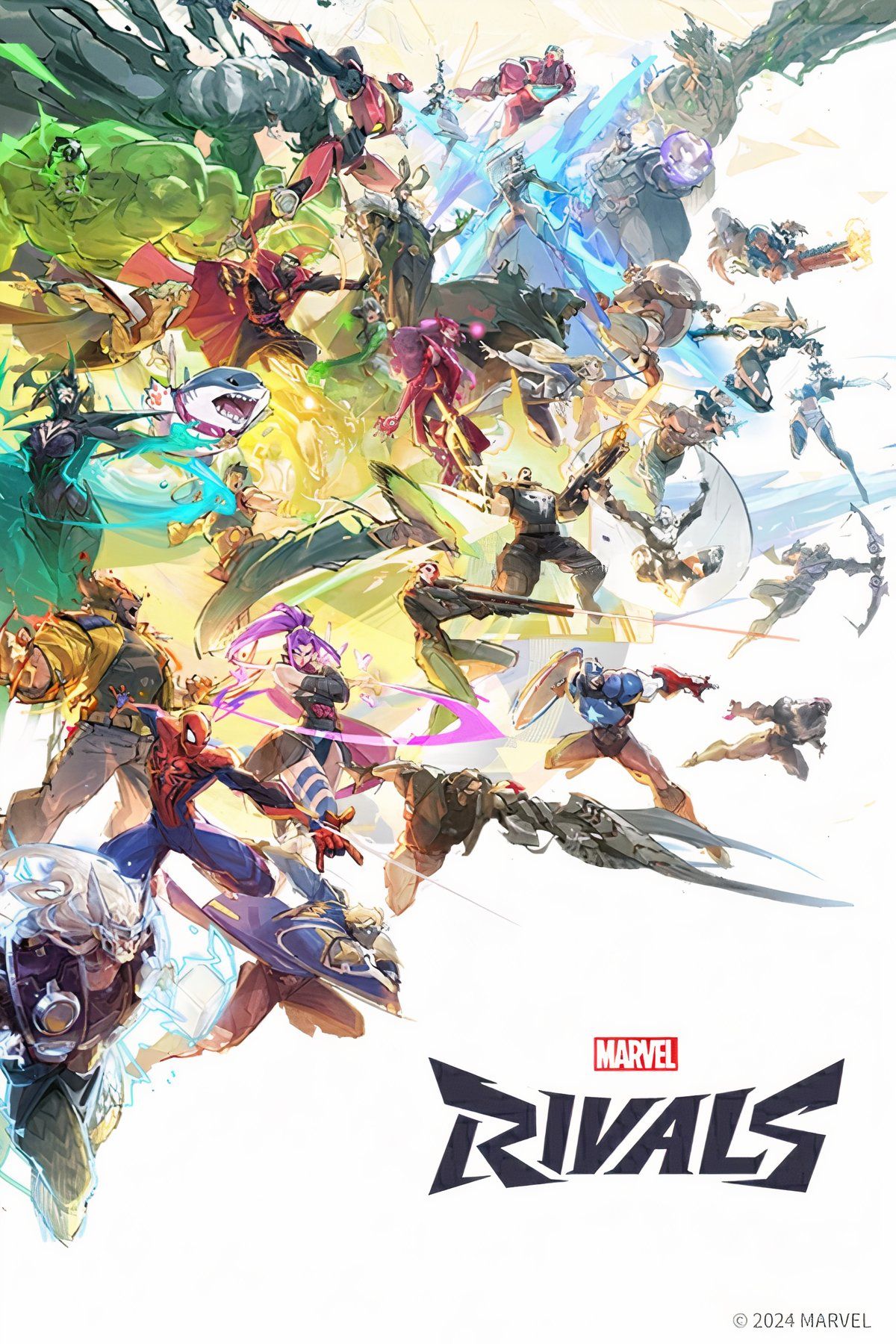

Disables the black outlines around and on the characters for a cleaner look.
zNoOutlines_9999999_P (Outdated)
The mod received a huge update on 16/6/2025. The devs made a lot of changes with all the updates and the old method of disabling the outlines no longer works.
To make this work with the current version of the game I had to modify every single material instance that the characters use (thousands of files).
So if any mod modifies a material instance of a character (like a mesh replacement mod) it would make that specific material instance "incompatible" with this mod. But this should be an easy fix:
Renaming the mod files will change their load order and it will fix this incompatibility.
If there are any mesh replacement mods that seem to be affected from this mod let me know so that I can test them and provide a solution.
If you don't want to wait then you can try renaming the mod files so that they are loaded before or after the other.
For example, from:
ExampleMod_9999999_P.pak
ExampleMod_9999999_P.ucas
ExampleMod_9999999_P.utoc
zNoOutlines_9999999_P.pak
zNoOutlines_9999999_P.ucas
zNoOutlines_9999999_P.utoc
To:
0NoOutlines_9999999_P.pak
0NoOutlines_9999999_P.ucas
0NoOutlines_9999999_P.utoc
ExampleMod_9999999_P.pak
ExampleMod_9999999_P.ucas
ExampleMod_9999999_P.utoc
zNoOutlinesAlt_9999999_P
Alternative way to disable the outlines thanks to SupZ96. This one won't have any incompatibilities with other mesh/material mods but the devs might disable this in the future. This one won't require to be updated when the game updates unless the devs change the Cvar.
NoOutlinesScalability
Scalability.ini file that disables the outlines thanks to SupZ96. This one won't have any incompatibilities with other mesh/material mods but the devs might disable this in the future. This one won't require to be updated when the game updates unless the devs change the Cvar. Doesn't require the signature bypasser.
Use only one variant at a time.
Installation for zNoOutlines_9999999_P and zNoOutlinesAlt_9999999_P
Download and install UTOC Signature Bypass Patch for Marvel Rivals (Enable Mod Loading).
Download the mod. Extract its .zip archive.
Drop its pak/utoc/ucas files in \MarvelRivals\MarvelGame\Marvel\Content\Paks\~mods. If you don't have a ~mods folder create one.
In the end it should look like this:
\MarvelRivals\MarvelGame\Marvel\Content\Paks\~mods\zNoOutlines_9999999_P.pak
\MarvelRivals\MarvelGame\Marvel\Content\Paks\~mods\zNoOutlines_9999999_P.ucas
\MarvelRivals\MarvelGame\Marvel\Content\Paks\~mods\zNoOutlines_9999999_P.utoc
Marvel Rivals is an online game, and modding it may result in consequences such as penalties or bans. Proceed at your own risk. I do not take responsibility for any outcomes.
Installation for NoOutlinesScalability
Navigate to %LOCALAPPDATA%\Marvel\Saved\Config\Windows. Easy way to go there is to paste this in Windows Explorer's address bar and then press enter.
Download the mod. Extract its .zip archive.
Drop the Scalability.ini file in there.
If you have a modded Scalability.ini file already you can copy-paste the contents of this mod's Scalability.ini file to yours.

Credits
Credits to SupZ96 for providing the new Cvar that disables the outlines in the alternative variants.
More mods
Instructions
Installation for zNoOutlines_9999999_P and zNoOutlinesAlt_9999999_P
Download and install UTOC Signature Bypass Patch for Marvel Rivals (Enable Mod Loading).
Download the mod. Extract its .zip archive.
Drop its pak/utoc/ucas files in \MarvelRivals\MarvelGame\Marvel\Content\Paks\~mods. If you don't have a ~mods folder create one.
In the end it should look like this:
\MarvelRivals\MarvelGame\Marvel\Content\Paks\~mods\zNoOutlines_9999999_P.pak
\MarvelRivals\MarvelGame\Marvel\Content\Paks\~mods\zNoOutlines_9999999_P.ucas
\MarvelRivals\MarvelGame\Marvel\Content\Paks\~mods\zNoOutlines_9999999_P.utoc
Marvel Rivals is an online game, and modding it may result in consequences such as penalties or bans. Proceed at your own risk. I do not take responsibility for any outcomes.
Installation for NoOutlinesScalability
Navigate to %LOCALAPPDATA%\Marvel\Saved\Config\Windows. Easy way to go there is to paste this in Windows Explorer's address bar and then press enter.
Download the mod. Extract its .zip archive.
Drop the Scalability.ini file in there.
If you have a modded Scalability.ini file already you can copy-paste the contents of this mod's Scalability.ini file to yours.
Requirements
NoOutlinesScalability
mod
zNoOutlinesAlt_9999999_P
mod
