




REQUIREMENTS
ㅤ
⧉ㅤSMAPI
ㅤ

DESCRIPTION
ㅤ
This is a simple mod to improve the base game screenshot functionality. Or lack-thereof.
Most decisions come down to personal preference and my needs, but you may like it too.
- Capture screenshots at the current screen resolution.
- Set a custom screenshot hotkey - F12 by default.
- Set the default screenshot directory.
- Save files as JPEG to save on disc space.
- Use grid overlays, like "rule of thirds", to better frame your shot.
- Hide the player character in screenshots.
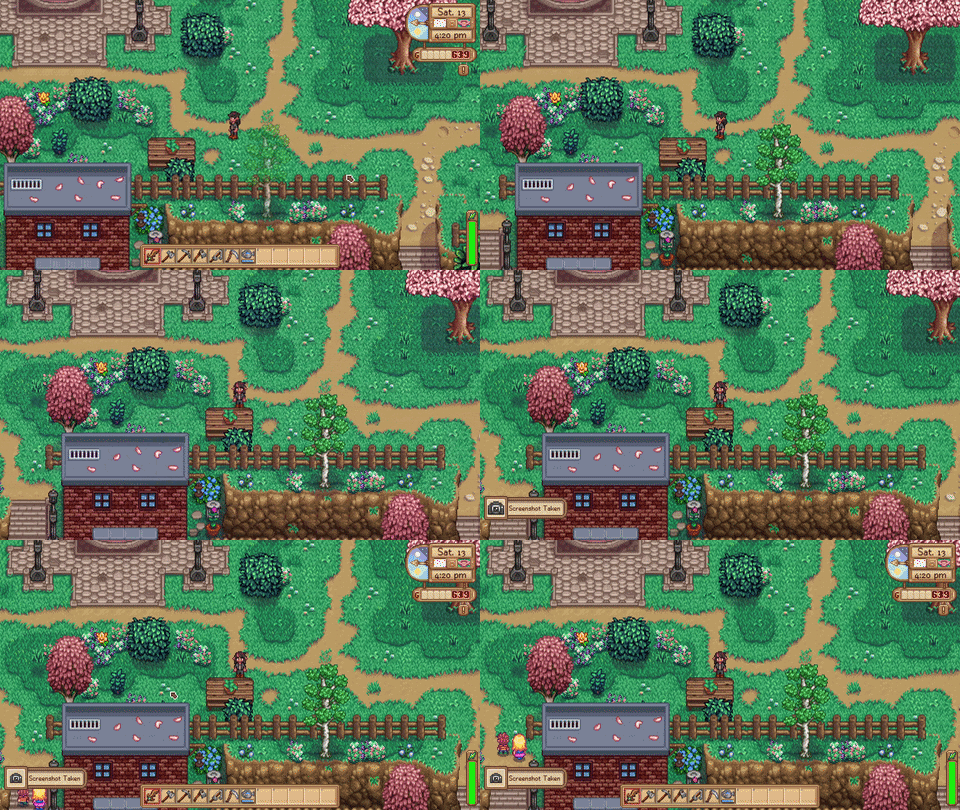
- Take screenshots in events and dialogue.
- Pause the game when entering Screenshot Mode.
- Disable the F4 notification popup. My personal favorite.
- Bypass everything and just use the vanilla screenshot functionality.
Most of these settings are configurable, with many disabled by default.
The settings that ship out-of-the-box are what I would considered "vanilla friendly".
USAGE
Press F12 to take a screenshot. By default, it will capture the screen resolution.
For advanced users and nerds, you can open the Generic Mod Configurable Menu.
COMPATIBILITY
You can bypass all of my changes and just use vanilla settings under "Compatibility Settings".
This means the mod will function just as a hotkey. Use this if you run into issues.
This mod is maybe milliseconds slower than the in-game screenshot button.
Like vanilla, it will take longer to process depending on the map and file size.
Similar mods use Harmony patching. This mod does not.
Much of this is just standard MonoGame, Decompilation, and SMAPI.
SHOUT-OUTS TO
Thank you doodlum who knows what they did.
Thank you powerofthree for ideas from Photo Mode.
Instructions
Requires SMAPI.
Better Screenshot Mode (0.0.4)
Added a hotkey to open the mod configuration menu. Added better state tracking for screenshot mode.
