


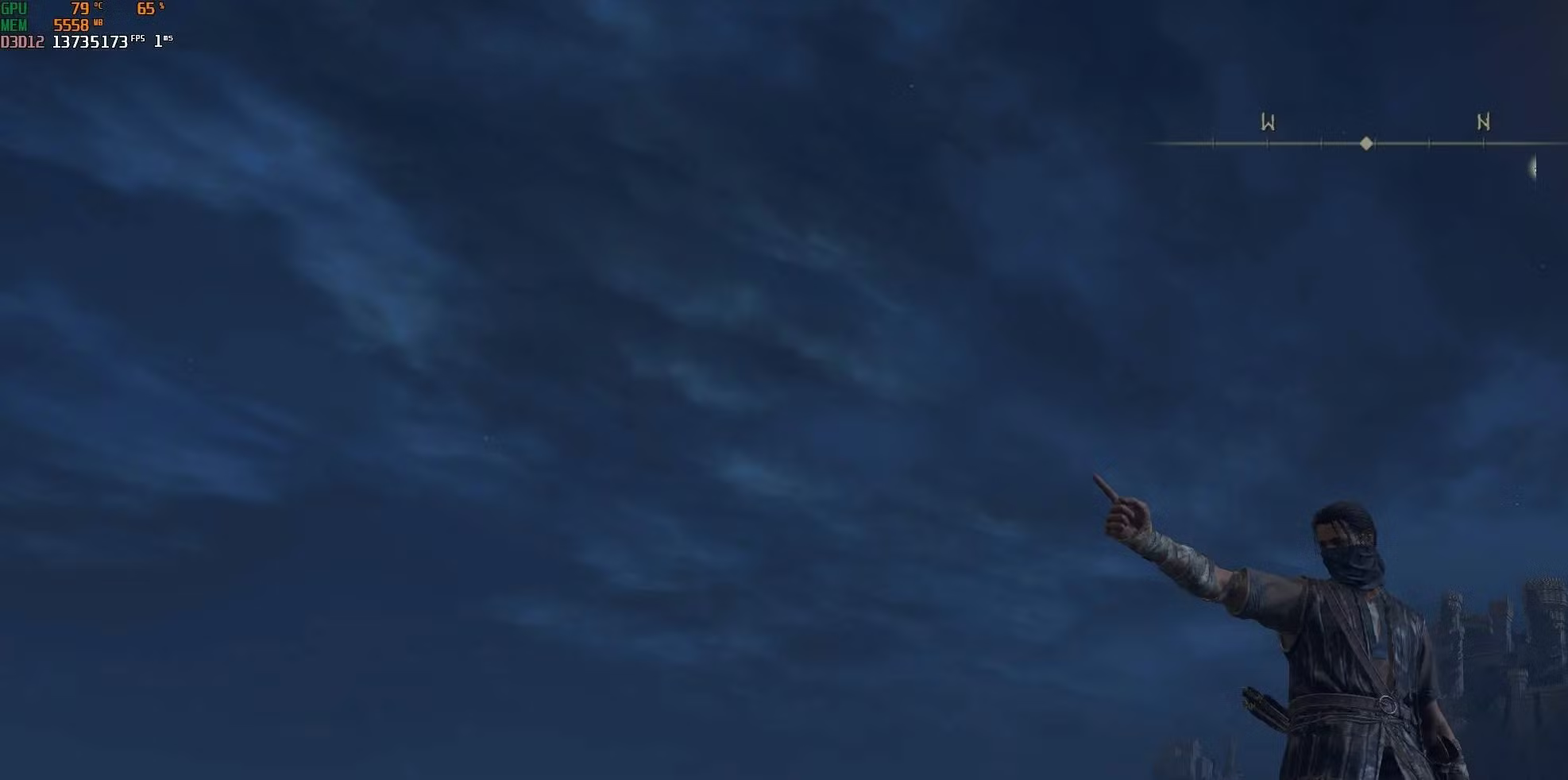
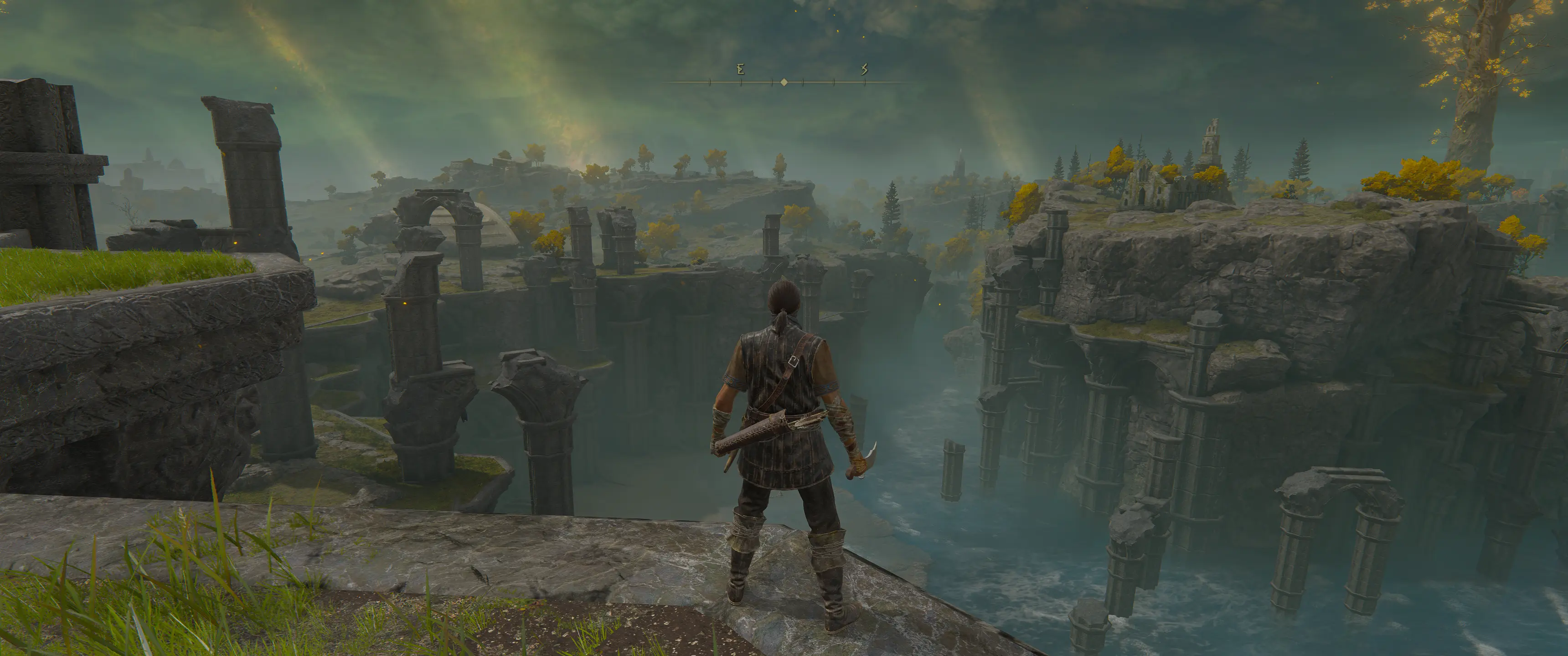
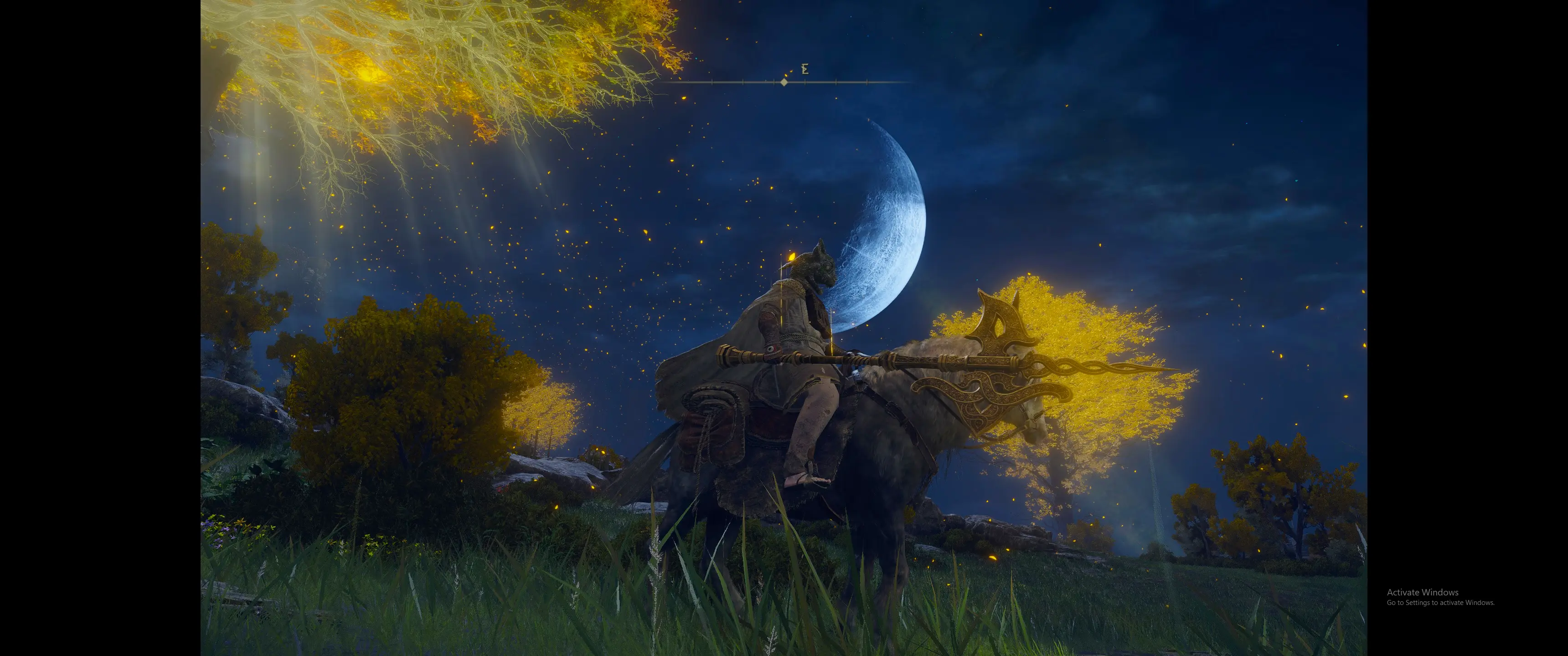
This mod disables the chromatic aberration filter, giving you a cleaner, sharper image without the blurry edge effect.
🖥 Requirements
- No external applications or file replacements required.
- You only need Elden Mod Loader, which will automatically load the mod on startup.
📥 Installation
- Extract the contents of RemoveChromaticAberration.zip into your game folder.
- Example:
- G:\SteamLibrary\steamapps\common\ELDEN RING\Game\
- Example:
- Launch the game, and the mod will load automatically.
📂 Source Code
Available here: https://github.com/techiew/EldenRingMods
🔗 Check Out My Other Mods
- Unlock the Framerate
- Remove Vignette
- Remove Black Bars
- Fix the Camera
- Adjust the FoV
- Increase Animation Distance
- Disable Rune Loss
- Skip Intro Logos
To install this mod, visit our page on How To Install Elden Ring Mods at: http://fextralife.com/how-to-install-elden-ring-mods/


Comments (0)
Log in to post a comment.
This thread is open for discussion.
Be the first to leave a community review!