


Automatically loads DLL mods every time the game launches.
📋 How It Works
- Loads all .dll files found inside the mods folder
- What each DLL does depends on the mod creator; anyone is free to make mods using this loader
🔒 Disable Anti-Cheat
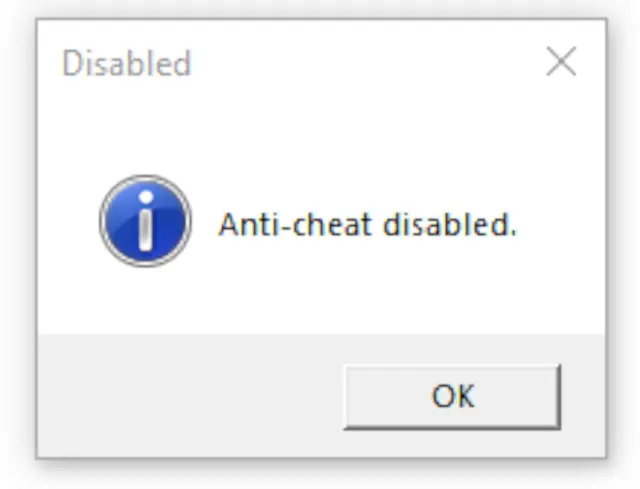
- For the loader to work, Easy Anti-Cheat must be disabled.
- You can use this tool for quick toggling: Anti-Cheat Toggler
📥 Installation
- Extract the contents of EldenModLoader.zip into your game folder.
- Example:
- G:\SteamLibrary\steamapps\common\ELDEN RING\Game\
- Example:
- Place any .dll mods inside the mods folder; they will automatically load when you start the game.
❌ Uninstalling or Disabling Mods
- Rename or delete dinput8.dll
- You don’t need to delete your mods; they simply won’t load without the mod loader
🔧 Compatibility
If another mod also uses dinput8.dll, move that mod’s DLL into the mods folder so they can load together.
⚠ Note for Non-C: Drives
- If your Windows installation is not on C:, this mod loader won’t work out-of-the-box.
- It is hardcoded to load system DLLs from C:\.
- You can manually fix this by using a hex editor to replace any occurrence of C:\ in the loader’s DLL with your system drive letter.
📂 Source Code
Available here: https://github.com/techiew/EldenRingModLoader
To install this mod, visit our page on How To Install Elden Ring Mods at: http://fextralife.com/how-to-install-elden-ring-mods/



Comments (0)
Log in to post a comment.
This thread is open for discussion.
Be the first to leave a community review!