

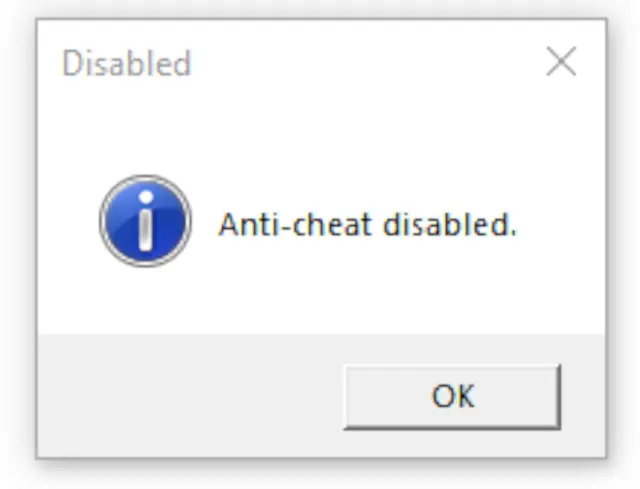
This tool provides the safest and easiest way to disable Elden Ring’s anti-cheat.
- Can automatically enable/disable mods
- Improves performance for some players
- Lets you quickly switch between modded offline play and online play
This tool is not a workaround for EasyAntiCheat and will not let you play online with mods. Its purpose is simply to make switching between modes fast and safe.
🔒 Safety
- Completely safe, anti-cheat is fully disabled and will not punish you when re-enabled
- However, I cannot guarantee that modified saves (e.g., infinite runes, OP gear) will be undetected when you go back online
📥 Installation
- Extract ToggleAntiCheat.zip into your game folder.
- Example:
- G:\SteamLibrary\steamapps\common\ELDEN RING\Game\
- Example:
▶ Usage
- Run toggle_anti_cheat.exe once to disable EAC and enable any installed DLL mods
- Run it again to re-enable EAC and disable mods, restoring online play
- While disabled, the main menu will display “inappropriate activity detected” — this is normal
🌐 Offline Launcher
If you only play offline and don’t need to toggle back and forth, use:
start_game_in_offline_mode.exe
- Launches the game directly in offline mode
- You can create a desktop shortcut for convenience
👤 For Mod Creators
You are welcome to link this tool for your users.
Please do not redistribute the files; linking ensures users always get the latest version.
💡 Why Use This Tool?
- Ensures anti-cheat will not launch, regardless of how you start the game
- Faster and safer than manual toggling
- Works reliably after game updates (safeguards included)
- Automatically toggles Elden Mod Loader mods
- Simplifies modding instructions, just link to this page
📂 Source Code
Available here: GitHub: https://github.com/techiew/EldenRingEacToggler
To install this mod, visit our page on How To Install Elden Ring Mods at: http://fextralife.com/how-to-install-elden-ring-mods/







Comments (0)
Log in to post a comment.
This thread is open for discussion.
Be the first to leave a community review!