

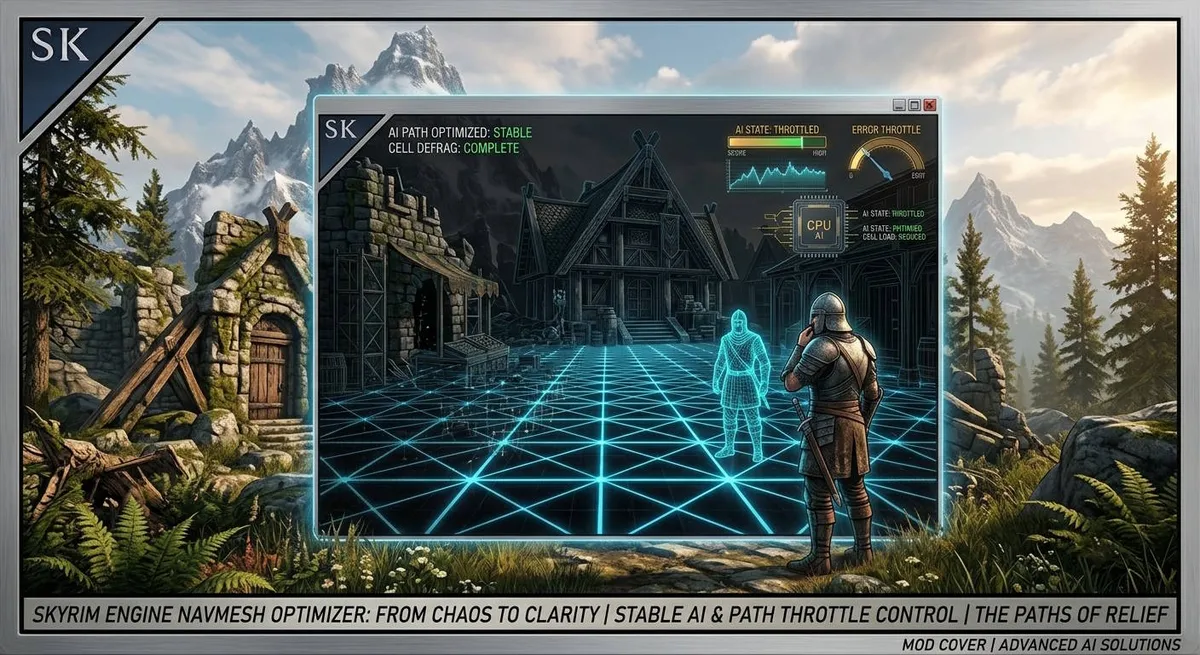
AI Pathing Optimization is a smart CPU optimizer that eliminates micro-stutters and improves game smoothness, especially in cities and locations with lots of NPCs.
What it does:
- When there are many characters in the game, Skyrim's engine frantically and every second calculates thousands of invisible navigation mesh (Navmesh) triangles beneath them so they can walk around.
- This heavily loads the CPU.
- This mod works as a "polite filter": it forces the engine to skip redundant, duplicate checks (3 out of 4 by default).
Result:
- The CPU is freed from useless work (load is reduced by 75% by default), FPS becomes more stable, and micro-stutters when entering cities disappear.
- NPCs themselves continue to walk around as usual and do not become stupid.
The original engine problem (What is Bethesda's bug?):
- In Skyrim SE/AE, AI navigation is tied to frames and geometry.
- Every time any NPC (or creature) is moving or planning a route, the engine calls a heavy internal function called FindTriangleForLocationFilterCheckDeltaZ.
- It literally scans every polygon of the navigation mesh (Navmesh) under the character's feet, checking the height difference ($\Delta Z$).
- The load grows exponentially: 10 NPCs in a location mean about 2500+ calls to this function per second!
- The CPU starts to "choke", causing Papyrus scripts to slow down and the game to produce micro-stutters (stuttering).
How AI Pathing Optimization works:
- The plugin is written in C++ using SKSE and Address Library, making it compatible with SE/AE.
- It performs a high-precision hook of the FindTriangleForLocationFilterCheckDeltaZ function.
- Instead of allowing the engine to perform tons of identical checks at the same instant, the mod checks the settings in the .ini file:
Request filtering:
- The mod uses a thread-safe atomic counter (std::atomic).
- With the standard setting, it cuts off 75% of redundant calls, returning a fast, ready-made answer to the engine without forcing the CPU to recalculate geometry.
Absolute stability:
- The mod does not break pathfinding logic, only reduces the frequency of "micro-checks" for height.
- Tests show a zero crash (CTD) rate.
Flexible configuration:
- Through the configuration file, you decide how much CPU resources to save.
Key benefits:
Massive CPU savings:
- Frees up the processor for handling heavy scripts (relevant for mods like RemoveStartSpells, JK's Cities, Immersive Citizens).
No freezes in crowds:
- The game runs significantly smoother in Riften, Whiterun, and modded locations.
Safe for saves:
- The plugin contains no scripts, so it can be installed and uninstalled at any point during your playthrough.
Settings in SkyrimPathThrottle.ini
- You can adjust the settings to your preference. The settings are located at:
- Data\SKSE\Plugins -> SkyrimPathThrottle.ini
- All parameters are explained, and recommendations are given for low/medium/high-end PCs.
Note: (A feature of my mods)
In the mod archive, besides the main plugin, you will find two additional files for the root game folder: spdlog.dll and fmt.dll.
Why are they needed?
- This is my signature approach to development.
- My mods (for both Skyrim SE and Fallout 4) use these libraries for advanced, fast, and detailed logging.
- They are absolutely essential for the plugin to work.
What to do when installing?
- Place them directly into the root game folder.
- If your mod manager or system asks about replacement - allow overwriting.
Important:
- Do not delete these files under any circumstances! Without spdlog.dll and fmt.dll, the game simply won't be able to initialize the mod, and it will not work.
Requirements:
Skyrim SE/AE
SKSE64
Address Library



Comments (1)
Log in to post a comment.
How was this mod created? Why isn't it on nexus? Is this your first mod?