

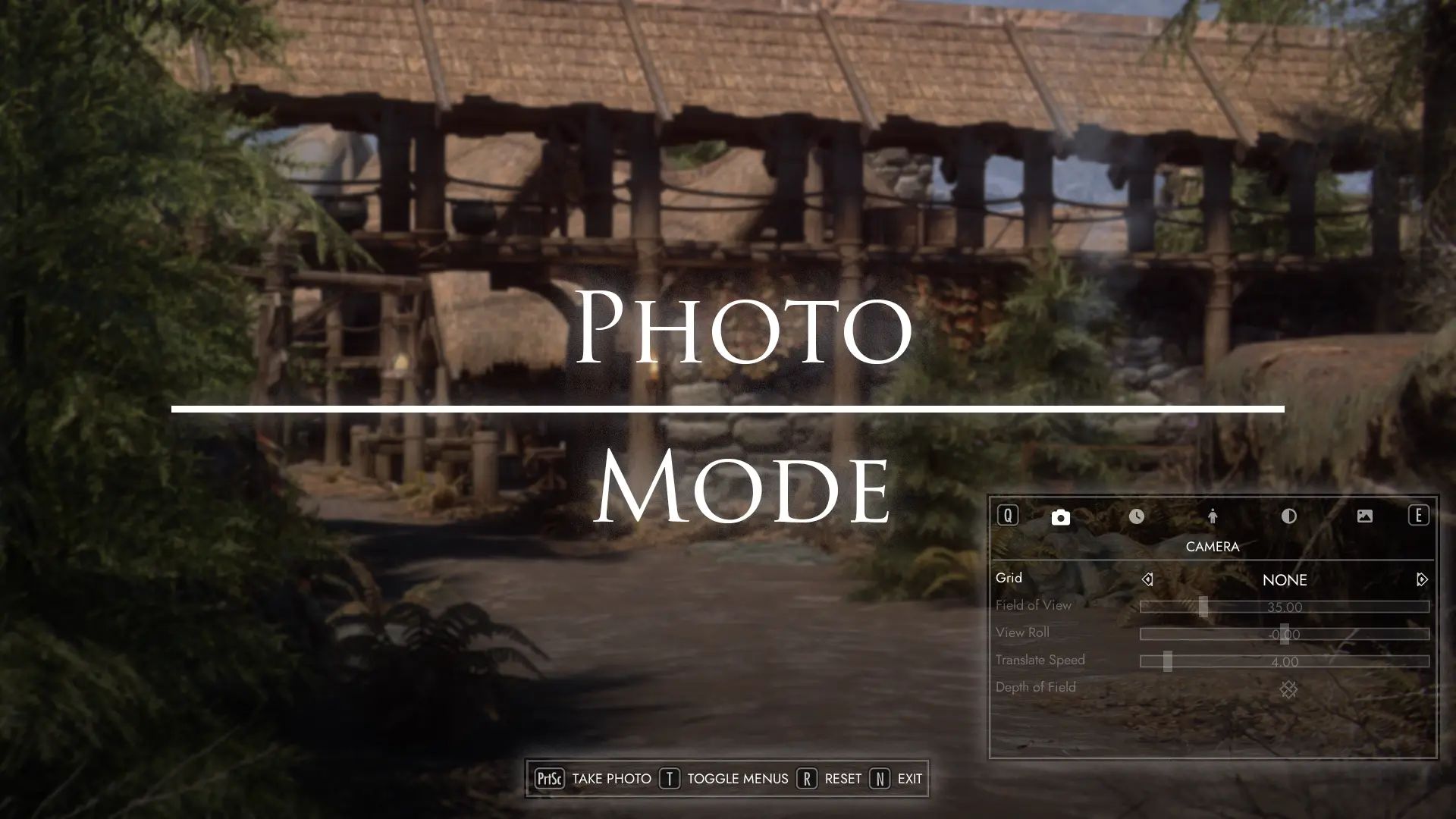
Take snapshots of your adventures in game with Photo Mode!
- Photo Mode can be accessed from the Pause/System Menu, or with a hotkey.
- Photos will be saved in My Documents/My Games/Skyrim Special Edition/Photos or your game screenshot directory.
- Photos may also show up as loading screens (fullscreen images or as 3D paintings with an oil paint filter applied).
- These options can be configured through MCM.
- Supports both gamepad, keyboard and mouse navigation. Auto Input Switch is recommended.
Settings
- Camera :
Image composition grid overlays
Adjust field of view
Change view roll (tilt camera)
Save camera position state.
- Time :
Freeze, speed up or slow down time
Control time of day and timescale
Select and override current weather
- Player/NPCS :
Show/hide characters
Set facial expressions, phonemes and other modifiers
Select and play any idle/animation
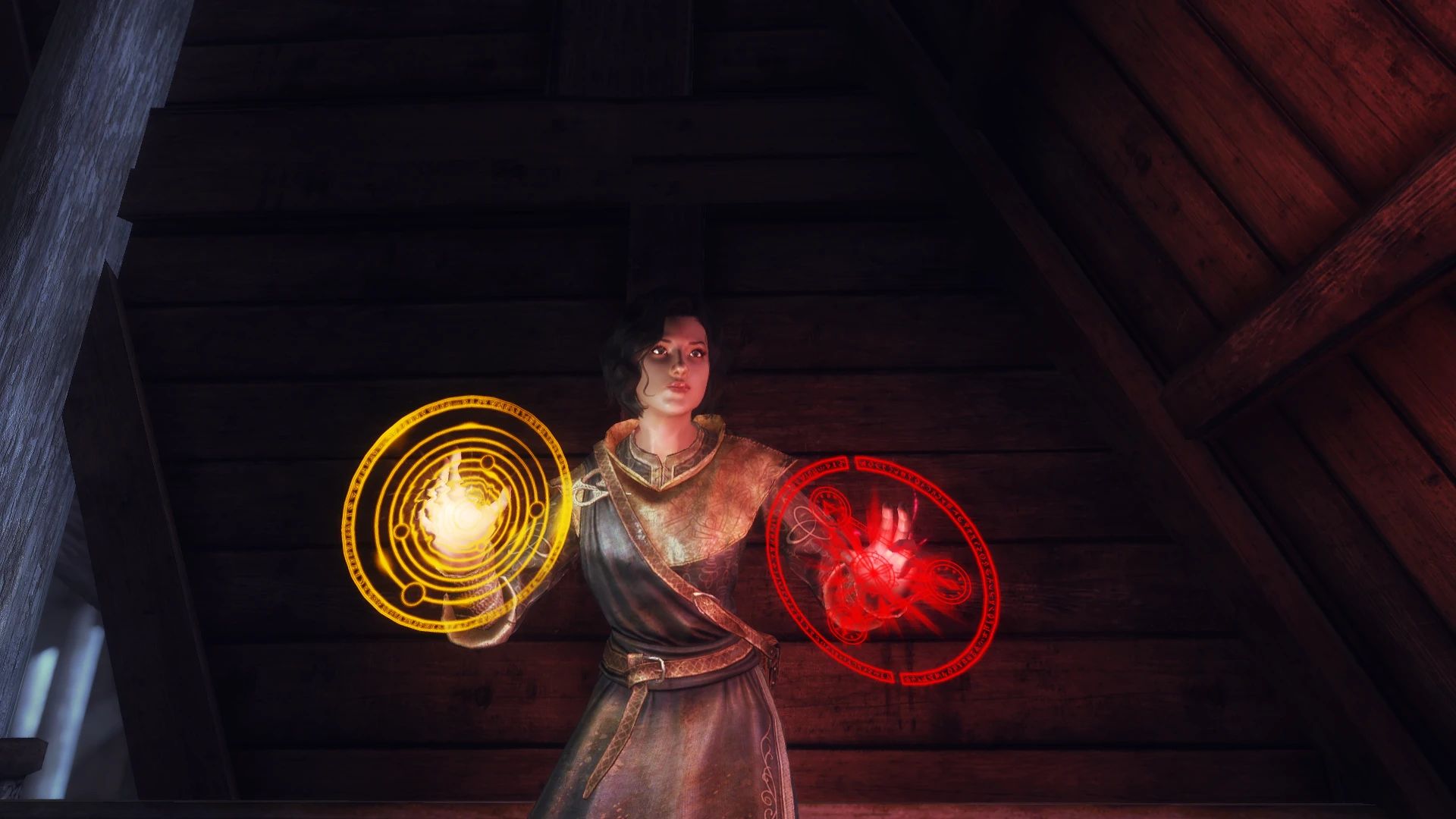
Select and play any effect shader or visual effect (set yourself on fire! or any custom VFX)
Change actor rotation and position
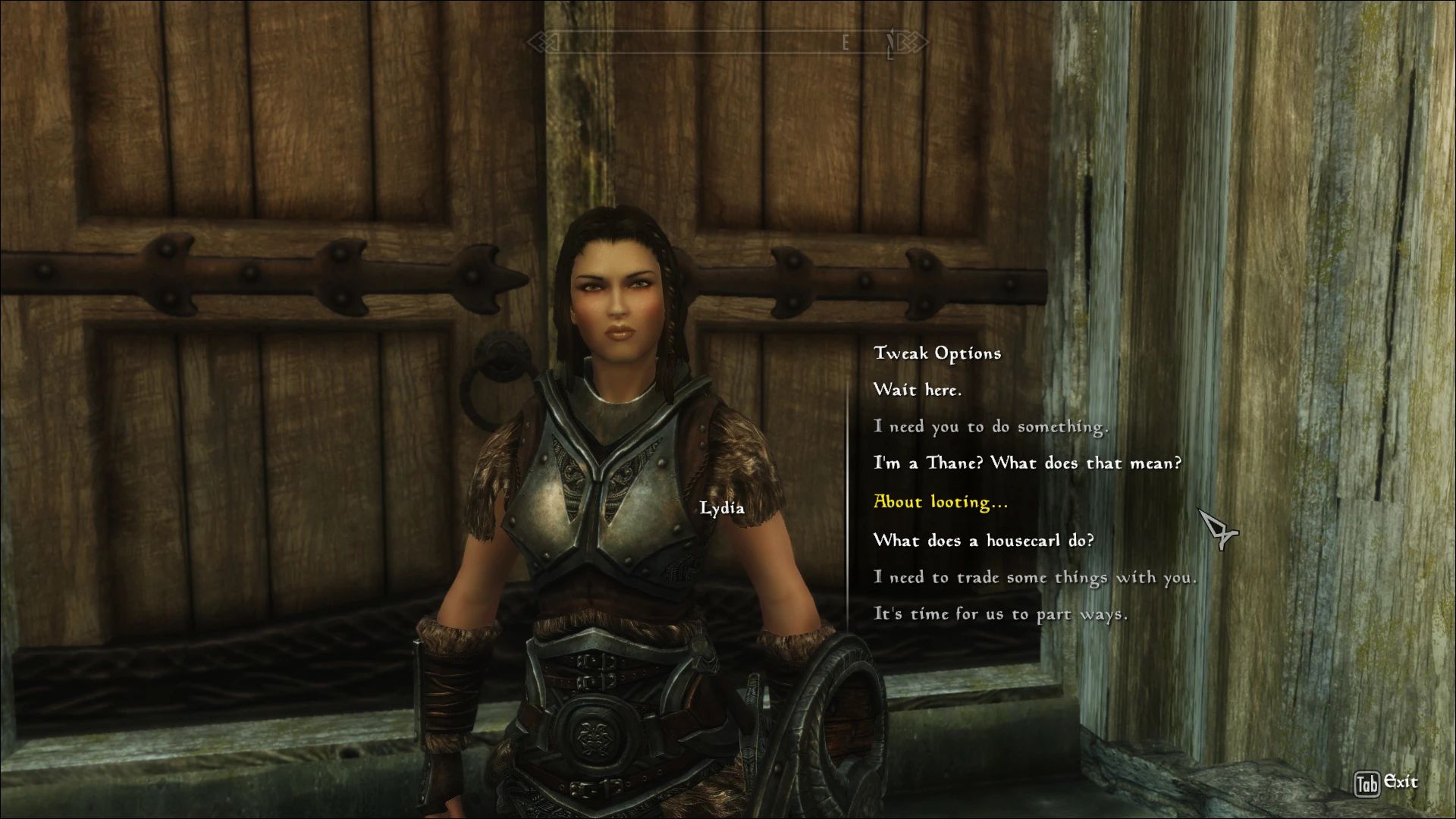
Select NPCs by opening the console menu and clicking on them. Click anywhere else to target the player
- Filters
Adjust brightness, saturation and contrast, apply a tint to your image
Select and play any imagespace modifier
- Overlays
Apply any custom overlay of your choice such as frames or logos
See below on how to create your own custom overlay packs
- Any overridden game settings will be reset on menu close.
Styles/Fonts
- Requires ImGui Icons mod for button art/fonts.
- Adjust background color, border size, icon scale etc by editing Data/Interface/PhotoMode/styles.ini.
- Color values should be hex (#FFFFFFFF) or RGBA values (255,255,255,255)
- Adjust fonts/font scale by editing Data/Interface/PhotoMode/fonts.ini.
- Changes will be automatically applied by reopening Photo Mode in game.
Creating Custom Overlays
- Overlays are full screen resolution (1920x1080, 2560x1440, 3840x2160) PNG files placed in Data/Interface/PhotoMode/Overlays
- These are scaled down to native resolution in game, so one 4K overlay should fit all 16:9 screens
- Folder structure must be followed:
FOLDER_NAME (used in CATEGORY slider)
OVERLAY_1.png
OVERLAY_2.png
eg.
EFFECTS
VIGNETTE.png
NOISE.png
Source
Credits
- Heavily inspired by registrator2000's implementation of FO4 Photo Mode
- Penta-limbed-cat and mlthelama for their work on implementing menus with ImGui
- LonelyKitsune for their advice on weather overrides
- dylanjames and everyone else in r/SkyrimMods who helped with feedback and testing
- KosherKobold for their work on implementing Camera Position serialization


Comments (0)
Log in to post a comment.
This thread is open for discussion.
Be the first to leave a community review!