

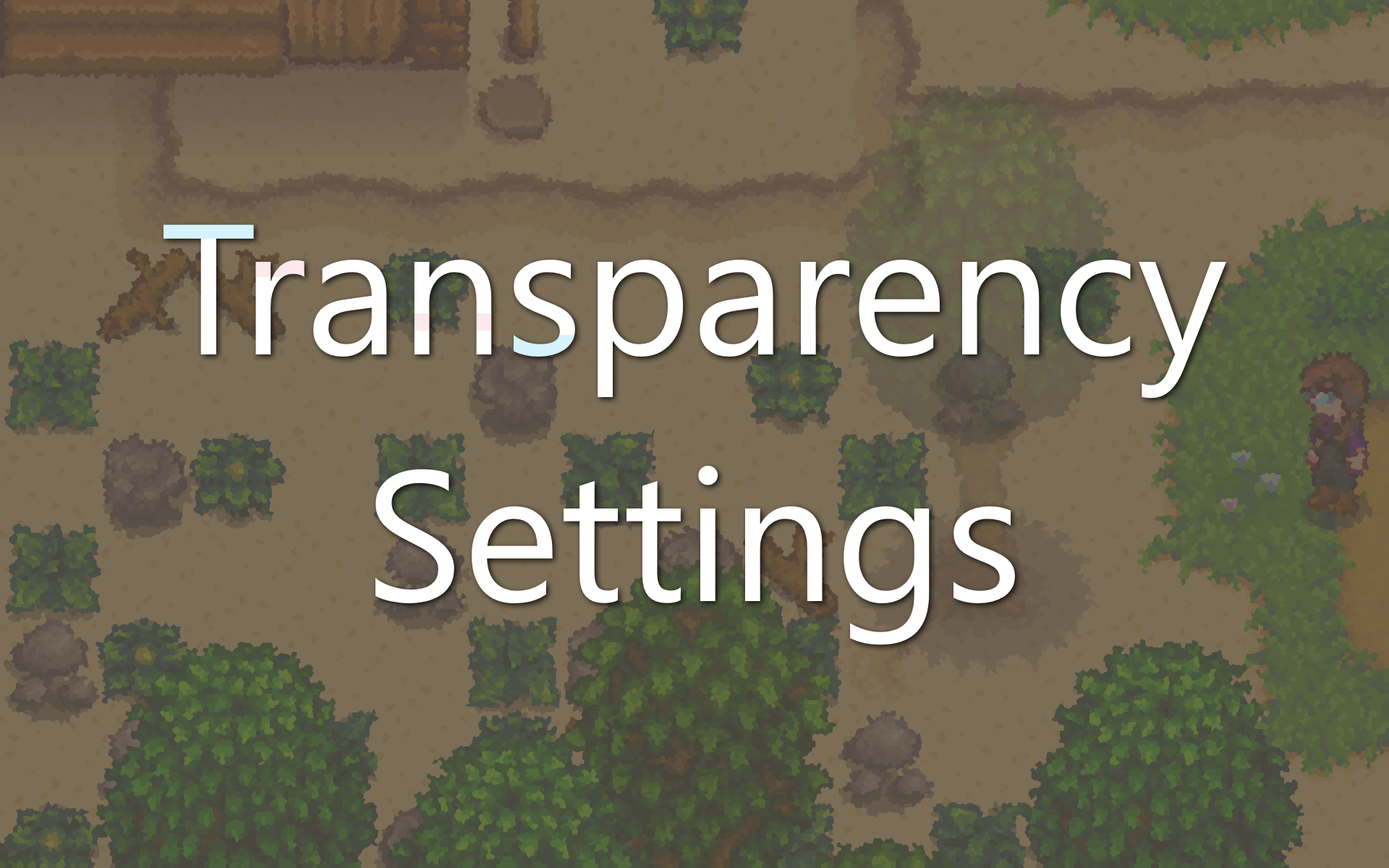
Transparency Settings increases the transparency distance around players for trees and buildings, enables transparency for bushes, and adds custom settings for other object types. It also adds a few optional hotkeys.
Disclaimer: Some objects cannot be transparent because they are drawn directly onto the in-game maps. If a building can't be built/moved by players (e.g. any buildings outside the farm), or if a tree/bush can't be shaken, this mod will not make it transparent.
------------------------------
Options
This mod includes settings that control the transparency effects for each object type, along with a few hotkeys to toggle global transparency levels. GMCM is recommended for easier customization (see below).
To edit these options:
1. Run the game using SMAPI. This will generate the mod's config.json file in the Stardew Valley\Mods\TransparencySettings folder.
2. Exit the game and open the config.json file with any text editing program.
See the GitHub readme for more information about each option.
This mod also supports Generic Mod Config Menu (GMCM). Players with that mod will be able to change config.json settings from Stardew's main menu or in-game options menu.
------------------------------
Translation
Transparency Settings supports translation of its GMCM setting names and descriptions.
The mod will load a file from the TransparencySettings/i18n folder that matches the current language code. If no matching translation exists, it will use default.json.
See the Stardew Valley Wiki's Modding:Translations page for more information. Please feel free to submit translation files by linking them in a comment, submitting a GitHub pull request, or any other method.
The mod currently includes these translations:

Comments (0)
Log in to post a comment.
This thread is open for discussion.
Be the first to leave a community review!