




Join my discord: https://discord.gg/7m7Hb3R38W
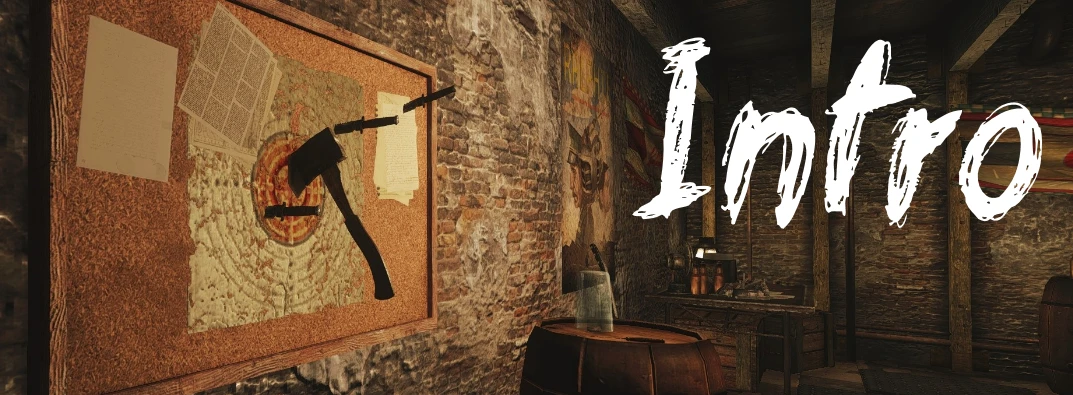
This is my first mod in a project that seeks to overhaul and improve some of the Fallout: New Vegas vanilla interiors to make them feel more lived in, more functional and aesthetically pleasing. All of these mods will be designed with my own particular style, while trying to remain true to the lore and feel of the vanilla game.
You can check out my other work here: https://www.nexusmods.com/newvegas/mods/69726 where I created a fully lore-friendly coffee house themed player home.
In this mod, I aim to overhaul "Brewer's Beer Bootlegging" into a fully functional, fully realized location and player home. This mod will convert the vanilla location to be much improved atmospherically, whist giving it added functionality for the courier.
Feel free to suggest any improvements that can be made to this mod, and if you enjoy it please don't forget to leave an endorsement!
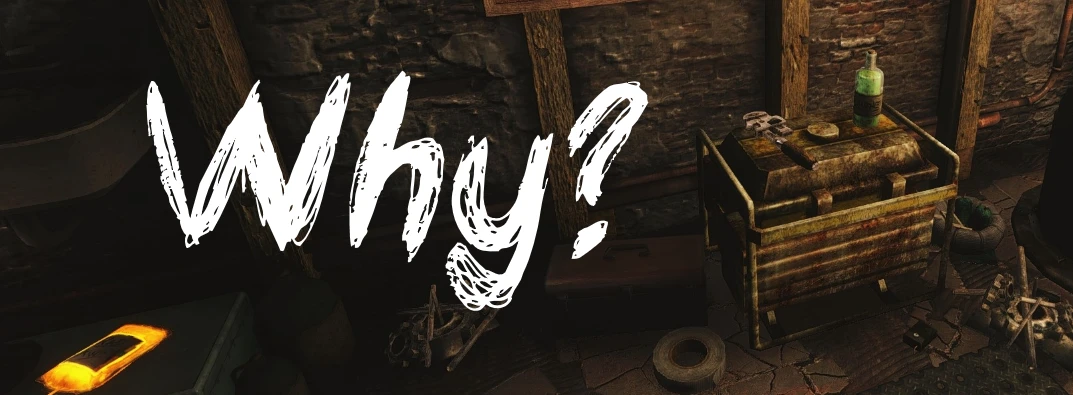
Brewer's Beer Bootlegging has to be one of the most interesting, yet underdeveloped areas in Fallout: New Vegas. I set out to fix this area, add some lore and make it usable as a player base.
Why are there no unique consumables? why is the beer gourd produces just "normal" wasteland beer? Where are the notes & terminal entries? Where on earth is the explanation as to what might have went on here?
It's in perfect location for a player home (Minus the Cazadores, which by the way - no longer respawn in the immediate area thanks to this mod!) so I thought why not fix all my gripes with the area, improve it's atmosphere and make it more feel and look more lived in instead of the dump it is in vanilla FNV.
I've always felt some of the locations in the game are underappreciated and lacking unique content, this first mod in a series of overhauls seeks to fix one of the larger offenders in my opinion.
In the next section, I've posted a video which should showcase the overhaul involved in this mod.
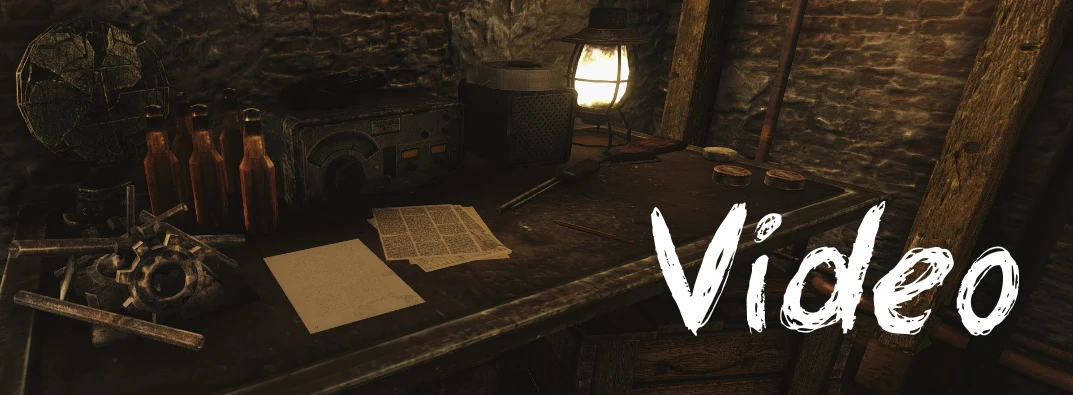
Maybe a video for a mod like this seems a tad overkill, but as of 2020 the world is tending towards fallout anyway and I have lots of spare time. This video will hopefully give you an idea of the intended vision I had for the overhaul of this locations atmosphere and help you decide if you wan't to install it for your next New Vegas play-through.
Convinced yet? Check out the features in the next section.
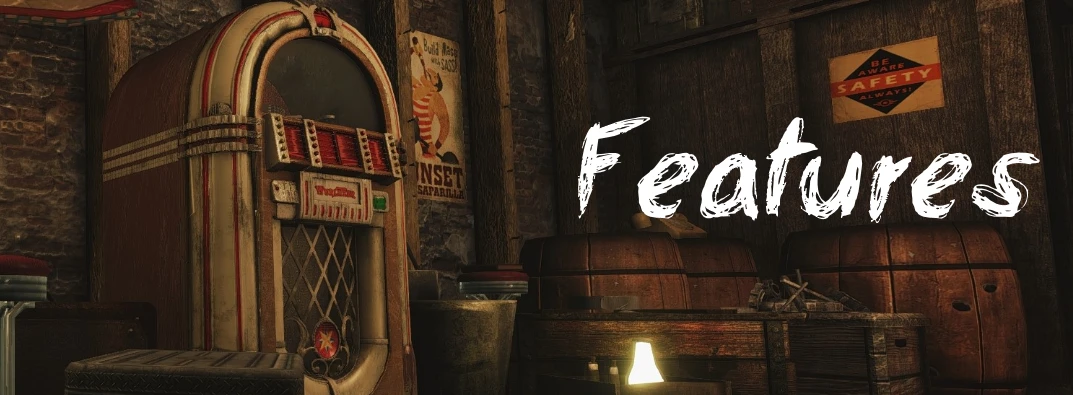
- Small Highly detailed and fully functional player home/ hideout at Brewer's Beer Bootlegging
- Cazadore spawns adjusted, no more respawning hell wasps outside your new base!
- Custom glowmap textures and new consumables (Tactical Nuclear Penguin! & Homemade Beer)
- Faction Neutral and Balanced for any stage of the game
- Innovative and interesting storage options
- Full new lore-friendly backstory told via terminals & Notes for the location
- Cleaned and polished with FNVEdit
- Fully Navmeshed Inside & Outside for followers
- A lot of clutter a lot of which is static - this is to preserve the desired look of the house and to maintain early game balance
The following section covers installation of this mod, it's a fairly simple affair as far as mods go but please read this section carefully and follow all the below instructions.
Before proceeding, check you have satisfied the following requirements: (Mandatory)
- Fallout: New Vegas up to date
- Own, have installed and activate all Fallout: New Vegas DLC
- Your preferred Mod Manager is up to date and ready to go! (if you plan on using one, although - you really should)
Once you are happy that you at least satisfy the above minimum requirements follow either method 1 or 2:
Method 1) Install with preferred mod manager of choice (Recommended) ~ Optionally install the AWOP compatibility patch.
Method 2) Drag and drop Data folder into your Fallout: New Vegas directory. ~ Optionally install the AWOP compatibility patch in the same manner [Load after LBBB.esp]
IMPORTANT: I suggest you load this mod AFTER any texture / mesh mods you are currently using as I have modified a few textures / meshes to allow for the glowing sign, light up coffee machine & exterior window lighting. If you are using vortex, allow this mod to overwrite other texture mods. This is where manual installation naturally falls short.
As above, I ask you read this section carefully if you wish to remove this mod. Similarly with installation, it's quite simple.
Again, Follow either method 1 or 2:
Method 1) Uninstall with preferred mod manager (Recommended)
Method 2) Remove/delete LBBB.esp from the data folder, LBBB folder from Data > meshes folder and LBBB from Data > Textures folder.
Use the above methods to remove the AWOP compatibility patch (If you installed it).
I recommend using the first method. If you choose to follow the second method please be careful that you only delete the files listed above. You don't want to go deleting vanilla files or assets from other mods! I have highlighted what you need to delete in bold and underlined the direct folder where this should exist.
I can be contacted / followed at the following - feel free to pass on any feedback or even give me a follow for new mods & content:
- I can be contacted on NexusMods (I'm Semi-Active in checking messages or comments)
- Active on Discord @ Lime#0909 on both NexusMods & NexusMods - Mod Author Discord
- @LiamYules on Twitter & Instagram (Follow me for mod updates!)
If you read this far, thanks! I'd like to take this opportunity to once again ask you to endorse this mod if you enjoyed it and provide any feedback you may have. I'm very proud of my work and any opportunity to make improvements based on community feedback is greatly appreciated.

Instructions
The following section covers installation of this mod, it's a fairly simple affair as far as mods go but please read this section carefully and follow all the below instructions.
Before proceeding, check you have satisfied the following requirements: (Mandatory)
- Fallout: New Vegas up to date
- Own, have installed and activate all Fallout: New Vegas DLC
- Your preferred Mod Manager is up to date and ready to go! (if you plan on using one, although - you really should)
Once you are happy that you at least satisfy the above minimum requirements follow either method 1 or 2:
Method 1) Install with preferred mod manager of choice (Recommended) ~ Optionally install the AWOP compatibility patch.
Method 2) Drag and drop Data folder into your Fallout: New Vegas directory. ~ Optionally install the AWOP compatibility patch in the same manner [Load after LBBB.esp]
IMPORTANT: I suggest you load this mod AFTER any texture / mesh mods you are currently using as I have modified a few textures / meshes to allow for the glowing sign, light up coffee machine & exterior window lighting. If you are using vortex, allow this mod to overwrite other texture mods. This is where manual installation naturally falls short.
Lime's Better Beer Bootlegging
overhauls vanilla location Brewer's Beer Bootlegging to be more atmospheric and useful as a player base / house.


