

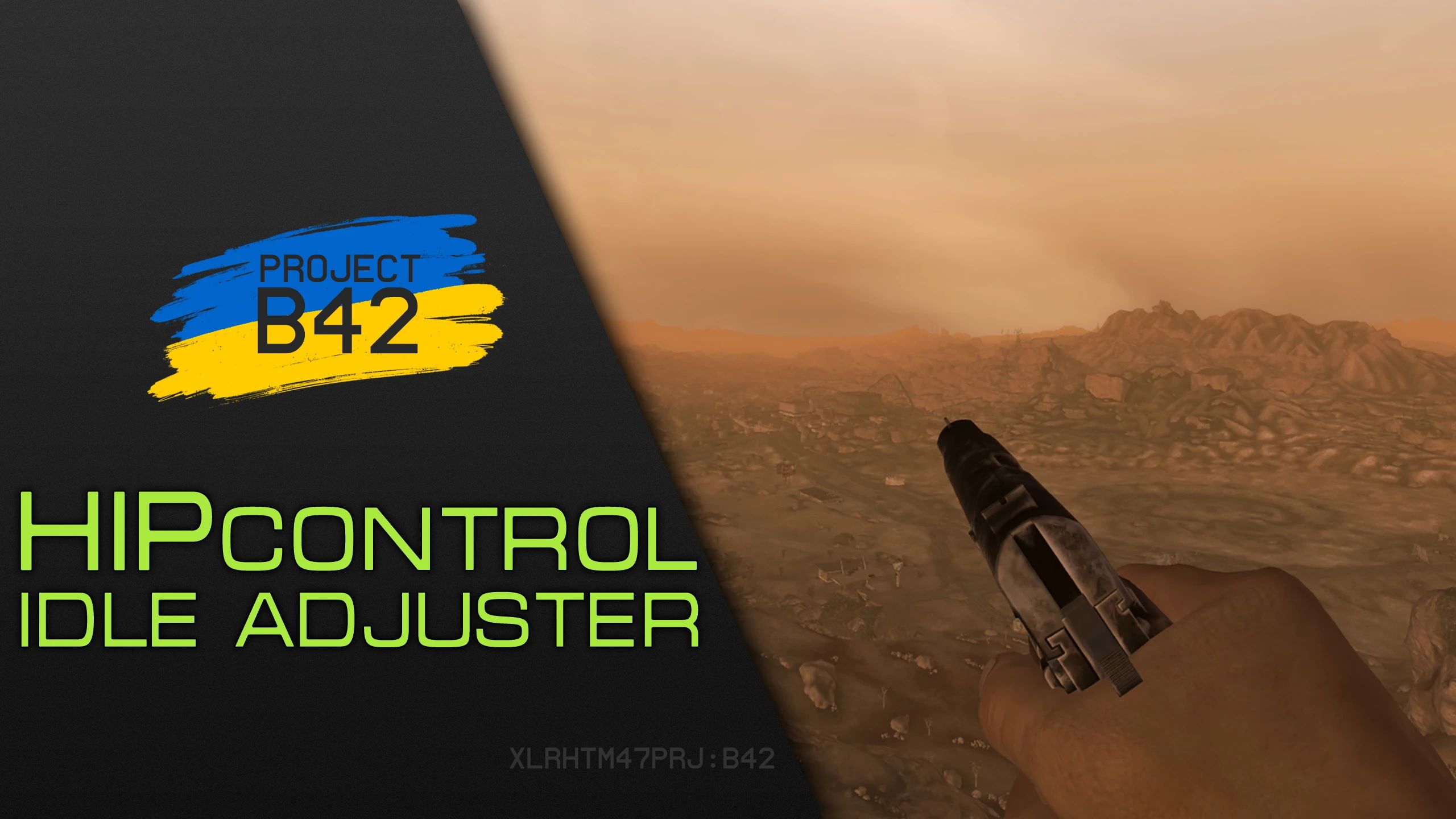


Easy way to adjust weapon idle/hipfire position on screen!

To adjust your weapon position:
Press Right Control and Right Shift and follow
on-screen instructions, or the ones here below
Move your mouse to move the weapon around
Scroll mouse wheel to move it forw/backward.
Hold Left Shift and move the mouse to rotate it
Hold Left Shift & scroll wheel to roll it left/right
Press Backspace to reset position and rotation
Press Enter to save your adjustments.
To exit adjustment menu - press aim key (RMB)
Your saved adjustments settings will be located inside
Data\Config\HPControl folder with weapon EdID name.

Jazzisparis, ScriptRunner, listening to bugs that make no sense
Hitman47101, Early suggestions, testing, screens, bestest bro
Bethesda, for the engine
Obsidian, for New Vegas
Armed Forces of Ukraine, for keeping me alive and safe
Слава Україні!






Comments (0)
Log in to post a comment.
This thread is open for discussion.
Be the first to leave a community review!